Lesson 01 of 11 · 2:03 · Getting started
Create your firm and get started
Create your account, activate it, set up two-factor sign-in, and find your way around Home.
Read the transcript
Follow along in text. Select a timestamp to find that moment in the video.
- Start at app.docket-systems.com and choose Create your account.
- First, your firm: its name and the email address clients will recognize.
- Docket is built for Canadian firms — CRA forms, Canadian dollars and Canadian deadlines.
- Next, the owner login. That’s you.
- Choose a password of at least 14 characters — a short passphrase works well.
- Practice management is free — no card, not a trial. AI features are the optional paid layer.
- Click Create firm account.
- Docket sends an activation email to the owner address.
- Open it and click Activate account.
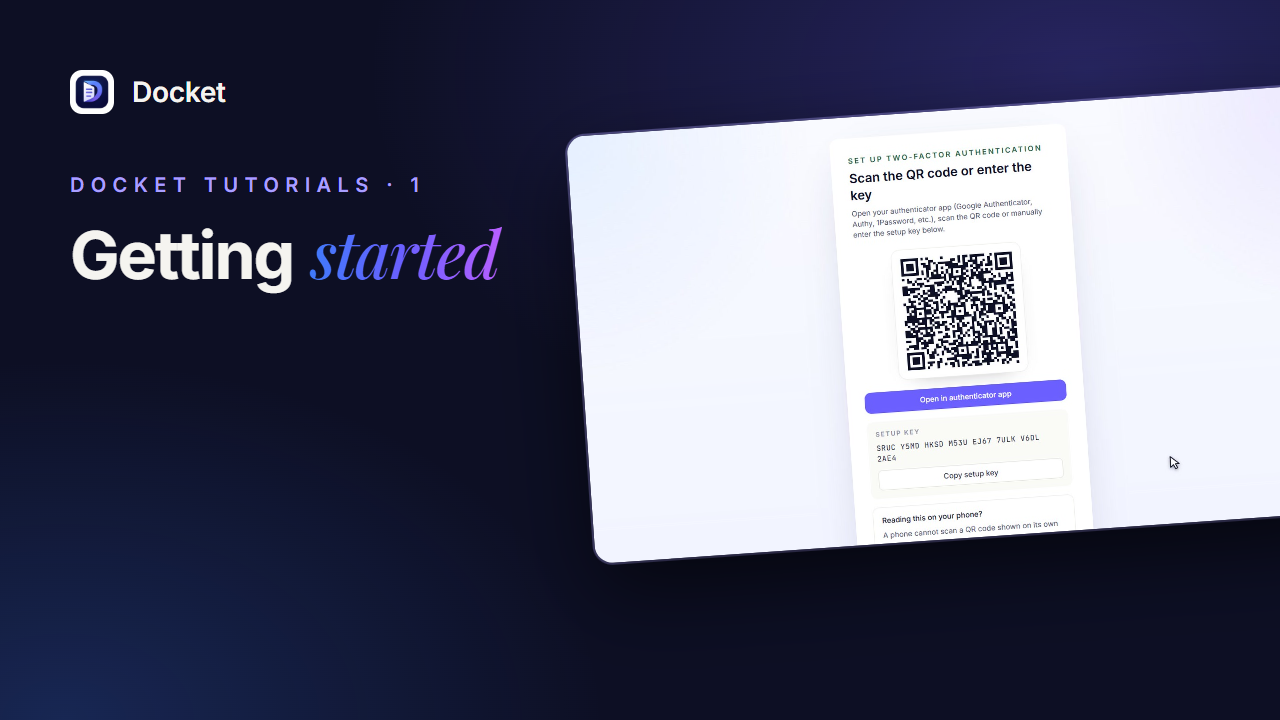
- Docket requires two-factor sign-in, because you’ll be storing client information.
- Scan this QR code with an authenticator app — Google Authenticator, Microsoft Authenticator, 1Password or Authy.
- Then type the 6-digit code the app shows and click Verify and enable.
- Save these recovery codes somewhere safe. Each one gets you in once if you lose your phone.
- Copy them to your password manager, then continue to the dashboard.
- You’re in. This is Home — your firm’s dashboard.
- These tiles count active work, outstanding document requests, files awaiting review, and returns ready to file.
- The sidebar holds your day-to-day work: clients, your own tasks, the calendar, the work board and document requests.
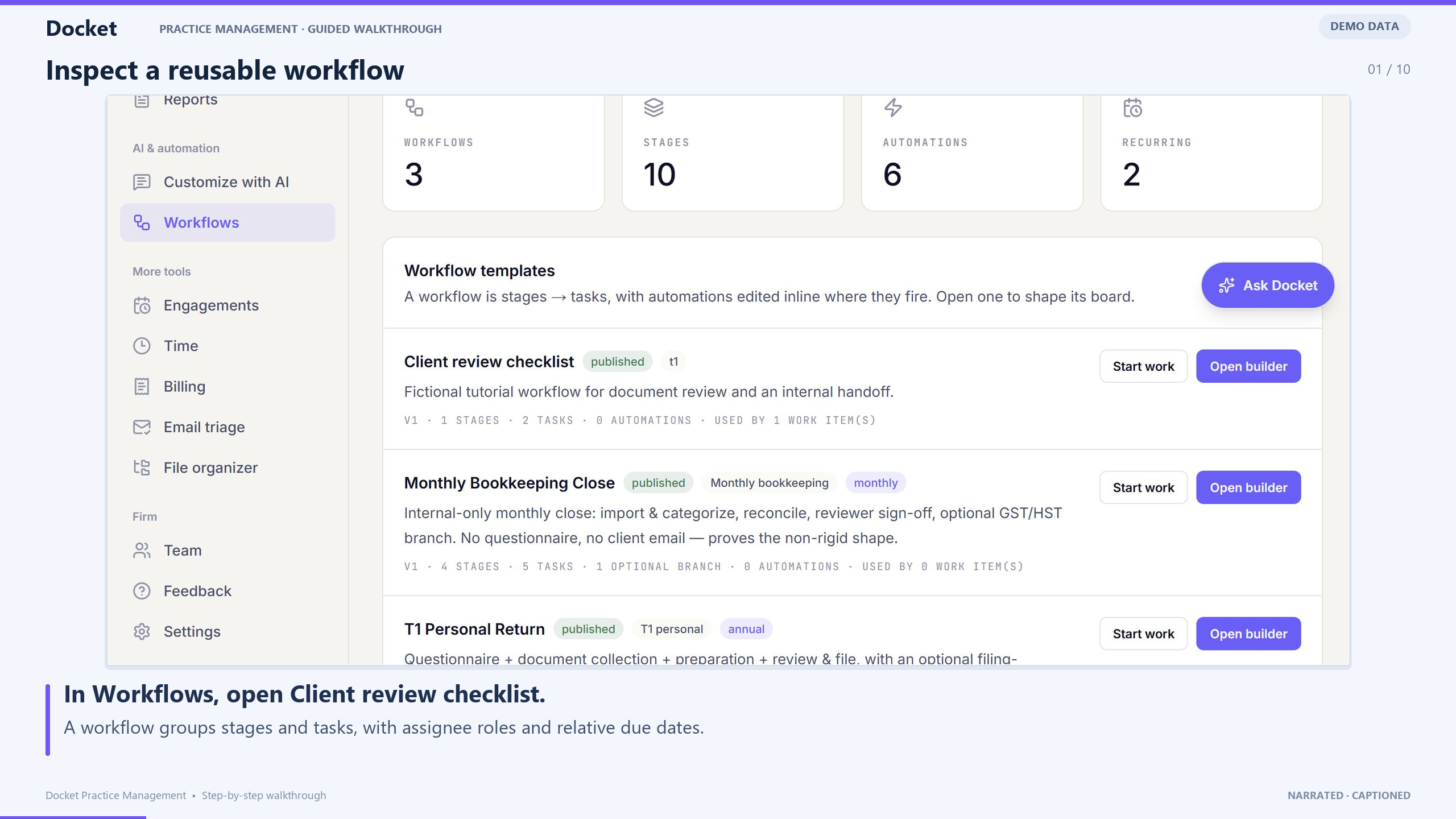
- Workflows automate the steps you repeat on every engagement.
- Under More tools you’ll find engagements, time tracking and billing.
- Search finds any client or piece of work from anywhere in Docket.
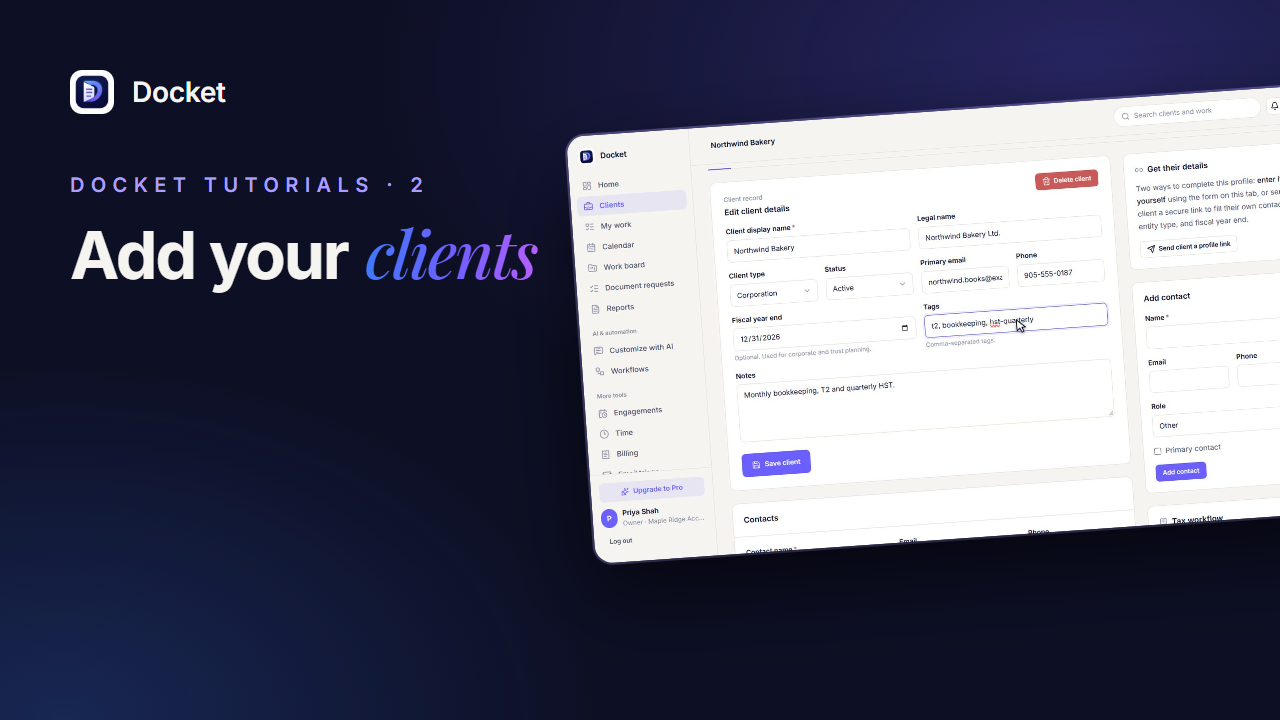
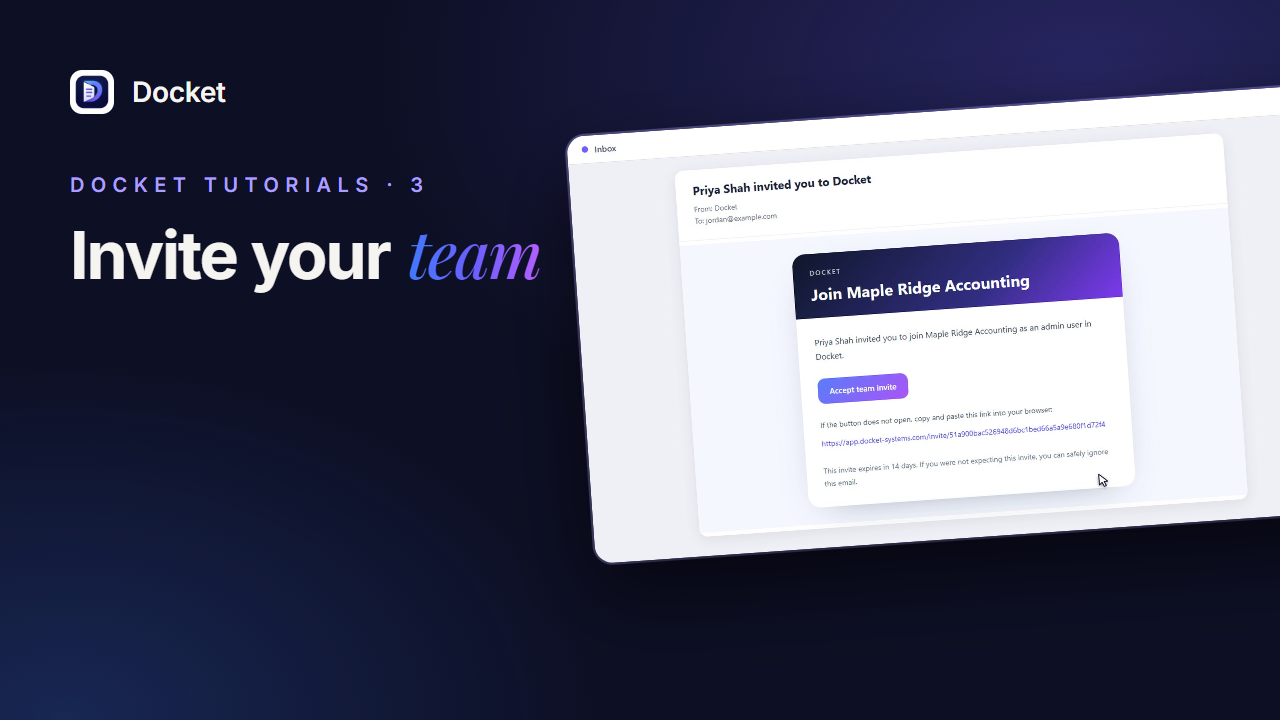
- Next up: add your first clients and invite your team.
Recorded with fictional demo data. This series covers everyday firm workflows, including example integrations and invoice drafts.